

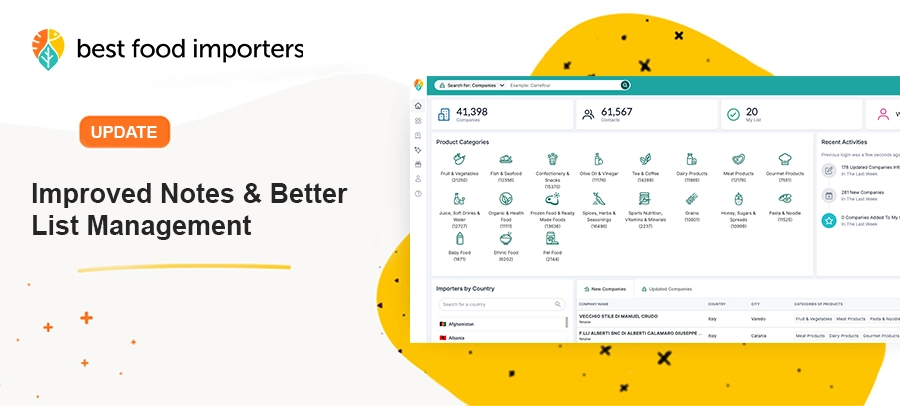
We have introduced three new updates to the BestFoodImporters platform to help users organize saved companies more efficiently, discover new potential partners faster and manage their data with greater confidence.
The latest improvements include direct access to notes from My List, a new filter for hiding companies that have already been saved and an additional confirmation step before deleting multiple companies.
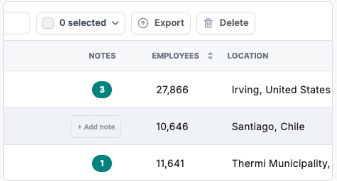
Manage notes directly from My List
You can now view, add, and manage notes without opening each company profile.
Use the new Notes column to:
- See which companies already have notes
- Add notes directly from the table
- Check how many notes are saved for each company
- Spend less time opening individual profiles
Hide companies already saved to My List
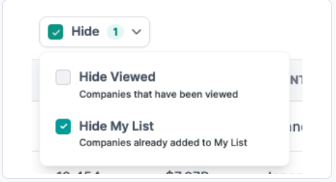
Another feature requested by users is the ability to exclude companies you have already saved to My List, from your search results.
Go to Companies → Hide → Hide My List to focus only on companies you have not added yet.
Safer bulk deletion
Deleting multiple companies from My List now requires an extra confirmation step.
Before anything is removed, you will see the number of selected companies and can review your action, helping prevent accidental data loss.
A Faster and More Organized Prospecting Experience
These updates are designed to make everyday work on the BestFoodImporters platform more efficient.
By managing notes directly from My List, hiding companies you have already saved and adding an extra safety step before bulk deletion, you can spend less time on repetitive tasks and more time identifying and contacting relevant food importers. The new features are already available in the platform.
Log in to your BestFoodImporters account and try the latest improvements.
